
How to Design Parts for Optimal CNC Machining Efficiency?
Designing a part that's hard to machine? This mistake leads to high costs and long delays. A few simple design changes can make your project faster and much more affordable.
For optimal CNC machining efficiency, design parts with manufacturability in mind. Avoid features like deep pockets, sharp internal corners, and very thin walls. Stick to standard tool sizes, specify looser tolerances where possible, and choose materials that are easy to machine to save time and money.
It sounds simple, but knowing which features drive up costs is the key. As a CNC shop owner, I've seen countless designs, and the most successful ones always follow a few core principles. Let's break down exactly how you can design your parts to be made quickly and cost-effectively, so you can avoid common pitfalls.
How to design parts for CNC machining?
You have a great idea for a part, but you are not sure about the rules for CNC design. A bad design can be impossible to make or cost a fortune. Following a few key principles ensures your parts are made right and on budget.
To design parts for CNC machining, focus on simplicity. Choose machinable materials, avoid complex features like deep pockets, and use generous fillets on inside corners. Also, specify tolerances only as tight as necessary. These steps make the manufacturing process smoother, faster, and much cheaper.


When I receive a new design, the first thing I look at is how we can apply Design for Manufacturability (DFM) principles. This isn't about changing your part's function. It's about small adjustments that make a huge difference in production. Here are the first steps to consider.
Choose the Right Material
The material you choose has a big impact on cost and speed. Softer metals like Aluminum 6061 are much faster to machine than hard materials like tool steel or titanium. If your part doesn't need extreme strength or heat resistance, choosing an easier-to-machine material is a quick win. I had a client from Canada who switched a non-critical component from stainless steel to aluminum. We cut machining time by nearly 40%, which was a huge cost saving for them.
Simplify Your Geometry
Complexity adds time and cost. The machine has to perform more operations, which can mean more setups and special tools. Ask yourself if every feature is truly necessary.
- Can complex curves be replaced with simple arcs or straight lines?
- Can you reduce the total number of features?
- Are deep pockets essential, or can they be made shallower?
Every simple change reduces the path the cutting tool needs to travel, which directly translates to a lower price for you.
How to improve CNC efficiency?
Are your CNC machined parts taking too long and costing too much to produce? These delays and high costs can eat into your profits and slow down your project timeline. Optimizing your design can significantly speed up machining and lower your expenses.
Improve CNC efficiency by designing to minimize machine time. Use standard hole sizes and threads to avoid special tooling. Specify looser tolerances and smoother surface finishes where they are not critical. This reduces setups, tool changes, and overall machining cycles, directly cutting costs.
Efficiency on the machine floor starts with the design on your computer screen. Some of the biggest time-wasters I see are features that are easy to draw but very difficult to machine. A client once sent me a design with a very specific, non-standard thread. We had to order custom tooling just for that one feature, which added two weeks and extra cost to the project. Let's look at how to avoid these common efficiency killers.
Avoid Sharp Internal Corners
CNC tools are round, so they can't create perfectly sharp internal corners[^1]. To achieve this, a secondary process like EDM (Electrical Discharge Machining) is needed, which adds significant cost.
- Best Practice: Always add an internal radius (fillet) to inside corners.
- Rule of Thumb: Make the radius as large as possible. A larger radius allows for a larger, more rigid tool, which can cut faster and leave a better finish. A small radius needs a small, fragile tool that must move slowly.
Keep Wall Thickness in Mind
Very thin walls are difficult to machine. They can vibrate during the process, leading to poor accuracy and surface finish. Walls that are too thin can also warp or break. I recommend keeping walls at least 0.8mm thick for metals and 1.5mm for plastics. If you need a thin wall, consider adding ribs or supports to your design to increase stiffness.
What are the design considerations for the design of machined parts?
Designing a part without understanding the manufacturing process? This can lead to unexpected problems, redesigns, and budget overruns once it hits the machine shop. Knowing the key design considerations upfront saves you from these expensive headaches.
The main design considerations for machined parts are tolerances, surface finish, and complex features. Tight tolerances and fine finishes require more machining time and special handling. Deep pockets, small holes, and non-standard threads also increase cost and complexity. Balancing function with manufacturability is key.
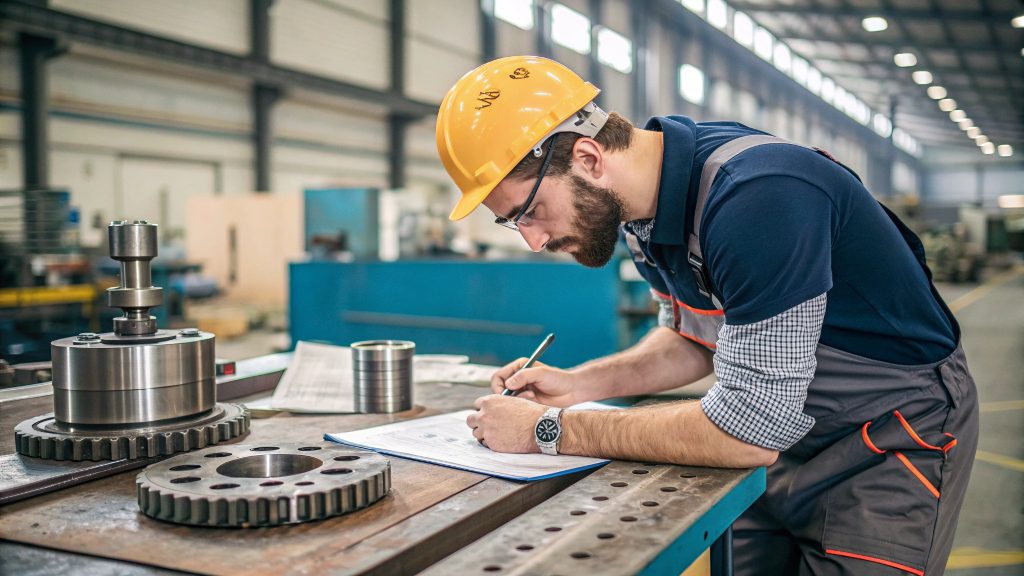
Every design choice you make has a direct consequence on the final cost and lead time. As an engineer at Worthy, my job is to help customers find the right balance between what their part needs to do and what makes it easy to produce. Let me share some of the most important tradeoffs we discuss with our clients every day.
Tolerances and Surface Finish
Not every surface on your part needs to be perfect.
- Tolerances: Only apply tight tolerances (+/- 0.001" or tighter) to critical features, like holes for bearings or surfaces that mate with other parts. Looser, standard tolerances (+/- 0.005") are much cheaper and faster to achieve on non-critical surfaces.
- Surface Finish: A standard "as-machined" finish of 125 Ra is usually sufficient. Requiring a smoother finish (like 63, 32, or 16 Ra) means extra machining passes or secondary operations like polishing, which adds cost.
Here is a simple table to show how these choices affect cost:
| Feature | Standard (Lower Cost) | Precision (Higher Cost) |
|---|---|---|
| Tolerance | +/- 0.005" | +/- 0.001" or tighter |
| Surface Finish | 125 Ra | 63 Ra, 32 Ra, or smoother |
| Internal Radius | Large (e.g., 3mm) | Small (e.g., 0.5mm) |
| Threads | Standard (e.g., M6x1) | Custom or fine-pitch threads |
Making deliberate choices here can save you a lot of money without affecting your part's performance.
When fabricating components on CNC machines, the minimum and maximum sizes of components should be determined by?
You have a design for a very large or very small part, but are unsure if it can be made. Designing outside a machine's capability leads to wasted time searching for a supplier who can handle it. Understanding size limitations from the start ensures your design is manufacturable.
The minimum and maximum component sizes are determined by the CNC machine's work envelope and the cutting tools. The work envelope is the maximum travel range of the machine's axes. The minimum feature size is limited by the smallest available cutting tool.
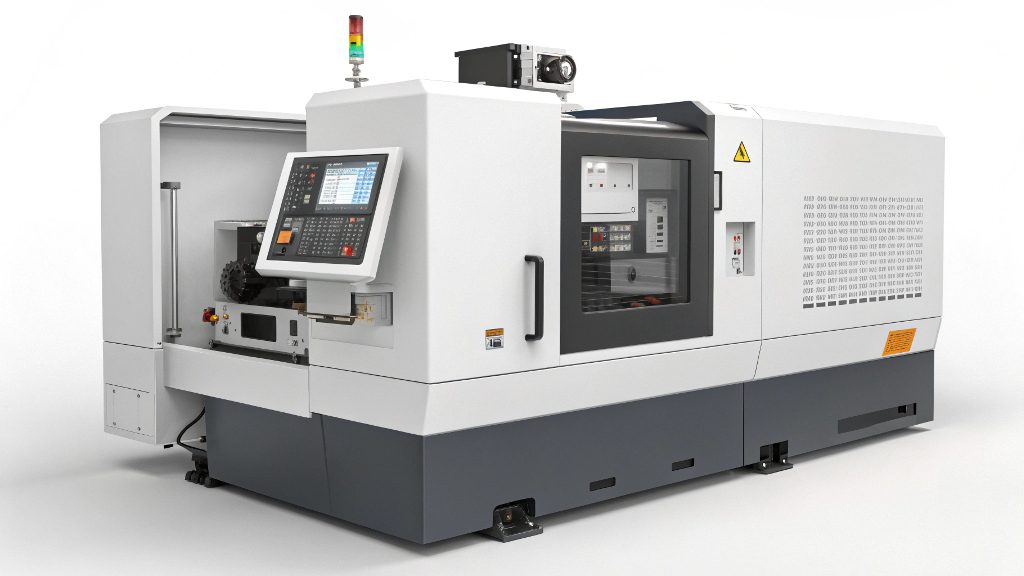
It’s crucial to know your supplier's capabilities before you finalize a design. At Worthy, we've invested in a range of machines to handle different part sizes, because we know this is a common concern for our customers. When you're designing, you need to think about two things: the overall size of your part and the size of its smallest features.
Overall Part Size
This is dictated by the machine's physical limits. For example, our milling machines can handle parts up to 2,032 mm long, and our lathes can turn parts up to 1,575 mm long.
- Too Large: If your part is bigger than the machine's work envelope, it either can't be made in one piece or requires a much larger, more expensive machine. Sometimes, a large part can be redesigned as an assembly of smaller components.
- Too Small: Very small parts can be difficult to hold (fixture) securely during machining, but this is usually less of a problem than being too large.
Minimum Feature Size
This refers to the smallest details on your part, like tiny holes, slots, or engravings.
- Cutting Tool Diameter: The smallest feature is limited by the diameter of the cutting tool. For us, the minimum feature size is generally around 0.50 mm. Anything smaller is very difficult because the tools are extremely fragile and prone to breaking.
- Holes and Pockets: The depth of any hole or pocket is also a key factor. We generally advise that a hole's depth should not exceed 10 times its diameter. Deeper holes make it very difficult to clear chips and can cause tools to break.
Before you finalize your design, always check these size capacities with your manufacturing partner. It can save you from a costly redesign later.
Conclusion
By simplifying your design, choosing the right materials, and understanding machine limits, you can greatly improve CNC efficiency. This will save you both time and money on your projects.