
What Design Considerations are Crucial When Working with Acrylic in CNC Projects?

Acrylic can easily warp or crack during CNC machining. This ruins parts and wastes material. Smart design choices will prevent these costly problems.
Yes, when designing for CNC acrylic projects, key considerations include generous material allowances, appropriate cutter selection, and controlled machining parameters. This helps prevent deformation, melting, or fracturing, ensuring a successful outcome for your parts.
Understanding these basic points is a good start. But there's more to getting great results with acrylic. We need to look closer at the specific details that make a big difference. Let's explore these critical aspects further to help you master your acrylic CNC projects.
What CNC Settings are Best for Cutting Acrylic?
Using the wrong CNC settings for acrylic often leads to melted edges or cracks. This wastes time and valuable material. Optimal settings ensure clean, precise cuts.
The best CNC settings for acrylic involve a balance. You need a moderate feed rate, a relatively high spindle speed to shear cleanly, and shallow depths of cut per pass. Cooling, like an air blast, is also very important.
Acrylic is a fantastic material, but it can be a bit fussy on a CNC machine. I've learned this the hard way over the years. It has a relatively low melting point. So, if your settings generate too much heat, you end up with a gummy mess instead of a clean cut.
Key Setting Considerations
-
Feed Rate: You don't want to go too fast, as this can cause chipping or stress fractures. But going too slow with the wrong bit can cause melting because the cutter stays in one spot too long, generating heat. I usually start with a moderate feed rate and adjust based on the chip formation and cut quality.
-
Spindle Speed (RPM): For acrylic, a higher spindle speed is generally better. This allows the cutter to shear the material cleanly rather than pushing through it. However, too high with a dull bit can also increase friction and heat. It's a balance.
-
Depth of Cut: I always recommend taking shallow passes. Trying to cut too much material at once is a sure way to break the acrylic or the bit. Multiple shallow passes produce less stress and heat. For example, for a 6mm thick sheet, I might do three or four 1.5mm to 2mm passes.
-
Cooling: An air blast is often sufficient and my preferred method. It helps clear chips away and cools the cutting area, which is vital to prevent melting. Sometimes, for very thick acrylic or intricate cuts, a coolant might be used, but chip evacuation with air is usually very effective.
Getting these settings right makes a huge difference. We keep a logbook at Worthy Hardware for different materials, and acrylic has quite a few notes!
What is the Best CNC Bit for Cutting Acrylic?
Choosing the wrong CNC bit for acrylic can result in rough edges, melting, or even broken bits. This leads to poor quality parts. The right bit is essential.
For cutting acrylic, single-flute or O-flute spiral bits, often made of carbide, are generally best. These are designed for efficient chip evacuation and reduced heat buildup, leading to cleaner cuts in plastic materials.
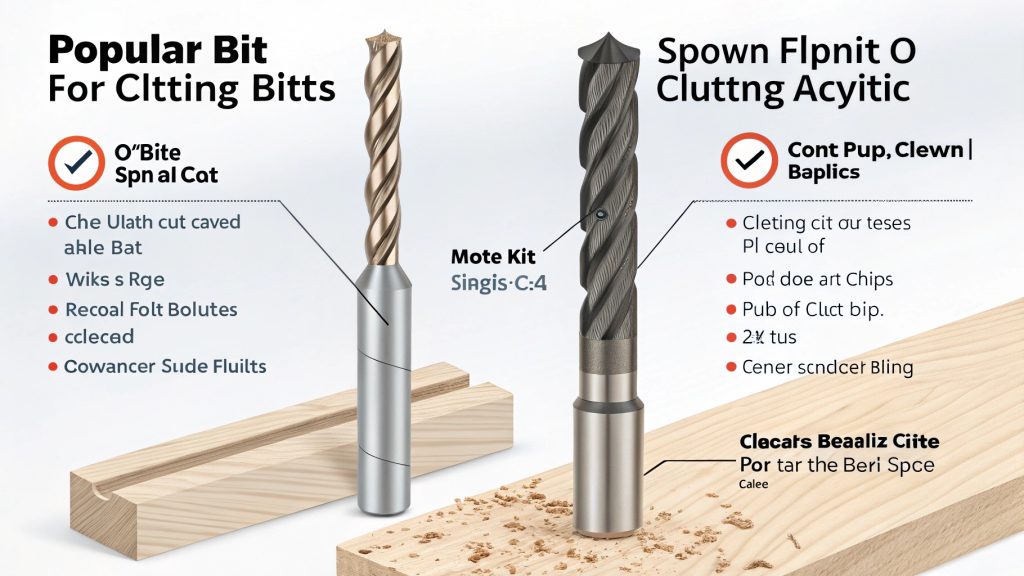
The cutting bit is where the magic, or the disaster, happens with acrylic. I've seen many projects struggle simply due to an incorrect bit choice. Acrylic needs a bit that can cut cleanly and, crucially, get the chips out of the way quickly.
Popular Bit Choices for Acrylic
-
O-Flute Bits (Spiral Up-Cut or Down-Cut): These are my go-to for most acrylic cutting. The "O" shape of the flute is very polished and rounded. This design is excellent for ejecting the soft, gummy chips that acrylic produces.
-
Up-cut O-flutes pull chips upwards, which is great for clearing the cut path. However, they can sometimes lift the material if it's not secured well.
-
Down-cut O-flutes push chips downwards and tend to give a cleaner top edge. But, they can cause more heat buildup if chips don't clear well from deeper cuts.
I generally prefer up-cut O-flutes for through cuts if the material is well clamped.
-
-
Single-Flute Bits: As the name suggests, these have only one cutting edge. This design means more room for chip evacuation, which is key for plastics like acrylic that can melt. They often leave a very good finish.
-
V-Bits: These are not for cutting through material, but for engraving or chamfering edges. They come in various angles (e.g., 60-degree, 90-degree) to create different decorative effects.
Material and Sharpness
-
Bit Material: Solid carbide bits are highly recommended. They stay sharper longer than High-Speed Steel (HSS) bits, especially when working with plastics that can be abrasive or cause heat.
-
Sharpness: A sharp bit is non-negotiable for acrylic. A dull bit will rub and melt the material rather than cut it. I always inspect bits before an acrylic job. It's better to use a new or freshly sharpened bit.
I remember one client, Mark, who was trying to cut acrylic signage himself and kept getting melted edges. A quick chat revealed he was using a standard wood bit. We sent him some O-flute bits, and his problems disappeared.
What is CNC Acrylic?
There's sometimes confusion about what "CNC acrylic" means. People wonder if it's a special type of material. This misunderstanding can lead to ordering errors.
"CNC acrylic" isn't a special acrylic type. It simply refers to standard acrylic (PMMA) sheets that have been cut, engraved, or shaped using a Computer Numerical Control (CNC) machine for high precision and repeatability.
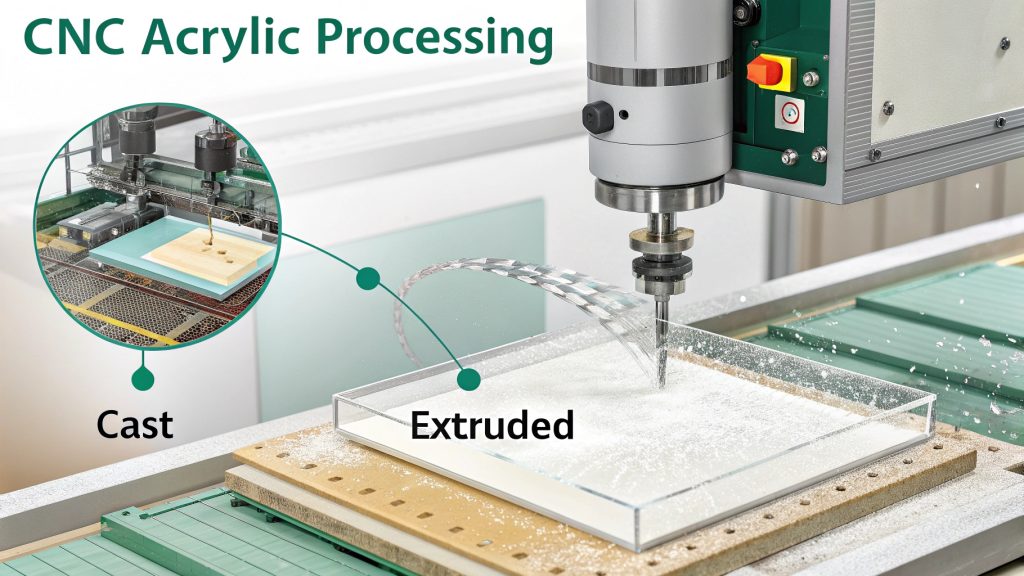
Let's break this down. "CNC" stands for Computer Numerical Control. It's a process where a machine, like a router or mill, is controlled by a computer program to cut or shape materials. "Acrylic," also known by trade names like Plexiglas or Lucite, is a type of plastic called Polymethyl Methacrylate (PMMA).
So, when we talk about "CNC acrylic," we're talking about using CNC machines to work with acrylic sheets. It's about the process, not a unique material variant. At Worthy Hardware, we process many types of standard acrylic using our CNC machines.
Types of Acrylic for CNC Machining
There are primarily two types of acrylic sheets you'll encounter:
-
Cast Acrylic: This is made by pouring liquid acrylic between two glass plates. It's generally considered better for CNC machining, especially for engraving. It tends to chip less and produces a nicer, often frosted, edge when engraved. It's also more consistent in thickness.
-
Extruded Acrylic: This is made by pushing acrylic through a die, a bit like squeezing toothpaste. It's usually less expensive than cast acrylic and has a lower melting point. It can be cut well with a CNC, but it might melt more easily if settings aren't perfect. Engraving on extruded acrylic typically results in a clear, not frosted, mark.
When a customer like Mark Chen from Canada asks for "CNC acrylic parts," he's asking for parts made from acrylic material using a CNC process. We then discuss whether cast or extruded acrylic is better for his specific application, considering factors like aesthetic requirements and budget. The CNC process itself allows us to create very precise and complex shapes from either type.
What are the Design Limitations of CNC When Working with Acrylic?
Designing for acrylic without knowing CNC limits leads to problems. Parts might break, warp, or be impossible to make. Understanding these limitations is key.
Key design limitations for CNC acrylic include minimum internal corner radii (defined by tool diameter), minimum feature size, and material stability. Thin sections or overly intricate details can be prone to melting, chipping, or breaking.
Acrylic is a wonderful material for its clarity and ability to be shaped, but it has its quirks, especially when it comes to CNC machining. As I mentioned from my experience, it's prone to deforming or even cracking if not handled correctly during design and machining. This is why we always emphasize careful design.
Designing for Acrylic's Nature
-
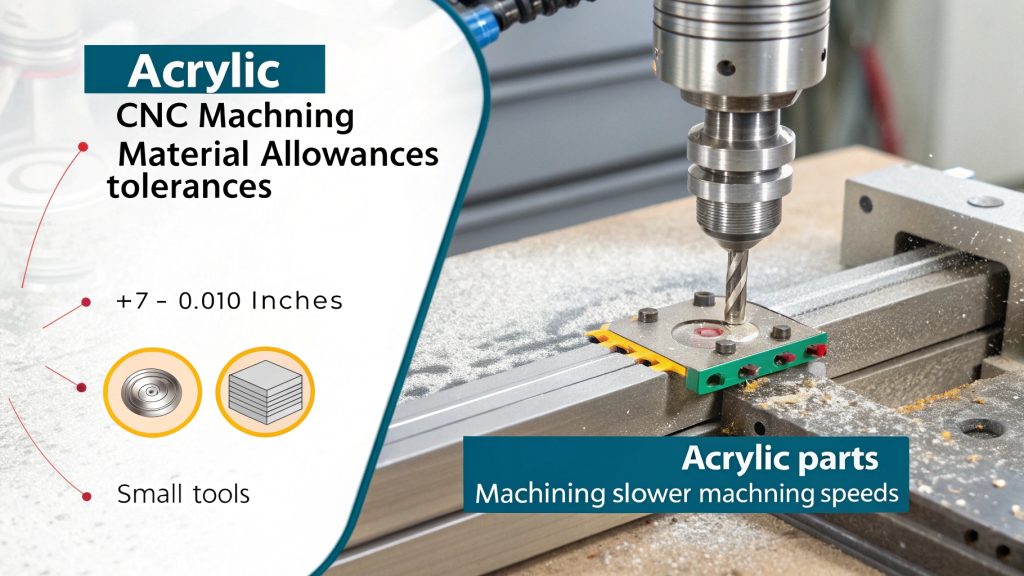
Material Allowances & Tolerances: My insight about leaving more allowance is critical here. Because acrylic can flex or slightly warp, especially thinner sheets, designing with slightly looser tolerances or more "meat" around critical features can save a part. We often advise customers to consider if a +/- 0.010" tolerance is acceptable, as holding tighter tolerances like +/- 0.005" (which we can do) adds cost and complexity due to the material's nature.
-
Slow and Steady with Small Tools: This goes back to my point about using smaller tools and slower machining. Designs should accommodate this. If you design tiny internal features that require an extremely small, fragile bit, the risk of breakage (bit or material) increases. We often suggest slightly increasing the size of such features if possible.
-
Internal Corner Radii: A CNC cutting tool is round. Therefore, it cannot create perfectly sharp internal corners. The smallest internal radius you can achieve is equal to the radius of the cutting tool used. If a design calls for a 0.5mm internal radius, we need to use a 1mm diameter tool, which is quite small and delicate for acrylic. We usually recommend designing internal radii to be at least 1mm or larger if possible.
-
Wall Thickness and Feature Size: Acrylic isn't as rigid as metal. Very thin walls (e.g., less than 1mm or 1.5mm, depending on height) can be fragile, prone to vibration during cutting, or even melt or snap. Similarly, very small, delicate features can be hard to machine cleanly. I once had a project with extremely fine fins in acrylic; we had to slow the machine way down and use a very sharp, specialized bit to avoid them snapping off.
-
Heat Management in Design: Designs with many small, close-together cuts or pockets can lead to localized heat buildup. It's sometimes better to space features out a bit more or design for machining in stages to allow cooling.
We always review designs from customers like Mark, who is quality-conscious. If we see potential issues due to these limitations, we'll discuss options, perhaps suggesting a slight design modification that makes the part much more manufacturable and robust in acrylic.
Conclusion
Successful CNC acrylic projects depend on understanding material behavior, correct settings, right tools, and smart design. This ensures quality parts and avoids costly mistakes.