
How to Choose Between Laser Cutting and CNC Machining for an Acrylic Project?
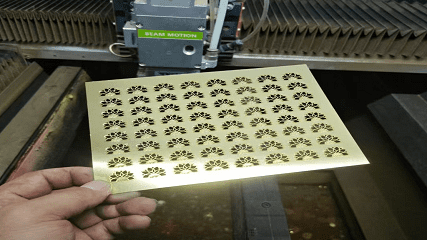
Struggling to pick the right method for your acrylic parts? Choosing incorrectly can compromise quality and increase costs. Understanding their core differences ensures you make the best decision for your needs.
For thicker acrylic and perfectly smooth edges, CNC machining is superior. It uses a physical tool for a clean, matte cut that can be polished. Laser cutting is faster and more cost-effective for intricate designs on thinner sheets, creating a flame-polished edge directly from the machine.
Making the right decision can feel tough, but it's simple when you know what to look for. One client, Mark from Canada, often asks me about this. He needs high-quality parts but is also very conscious of his budget. For him, the choice comes down to the final application of the part. Let's break down the details to help you make an informed choice, just like Mark does.
What is the difference between CNC and laser cut acrylic?
Do CNC and laser cutting just seem like two names for the same thing? This belief can lead you to pick a process that doesn’t meet your quality or budget needs.
The main difference is the cutting method. CNC machining physically carves acrylic with a spinning tool (subtractive), while laser cutting melts it with a focused beam of light (thermal). This changes the edge finish, precision, and what kinds of parts each process is best for.
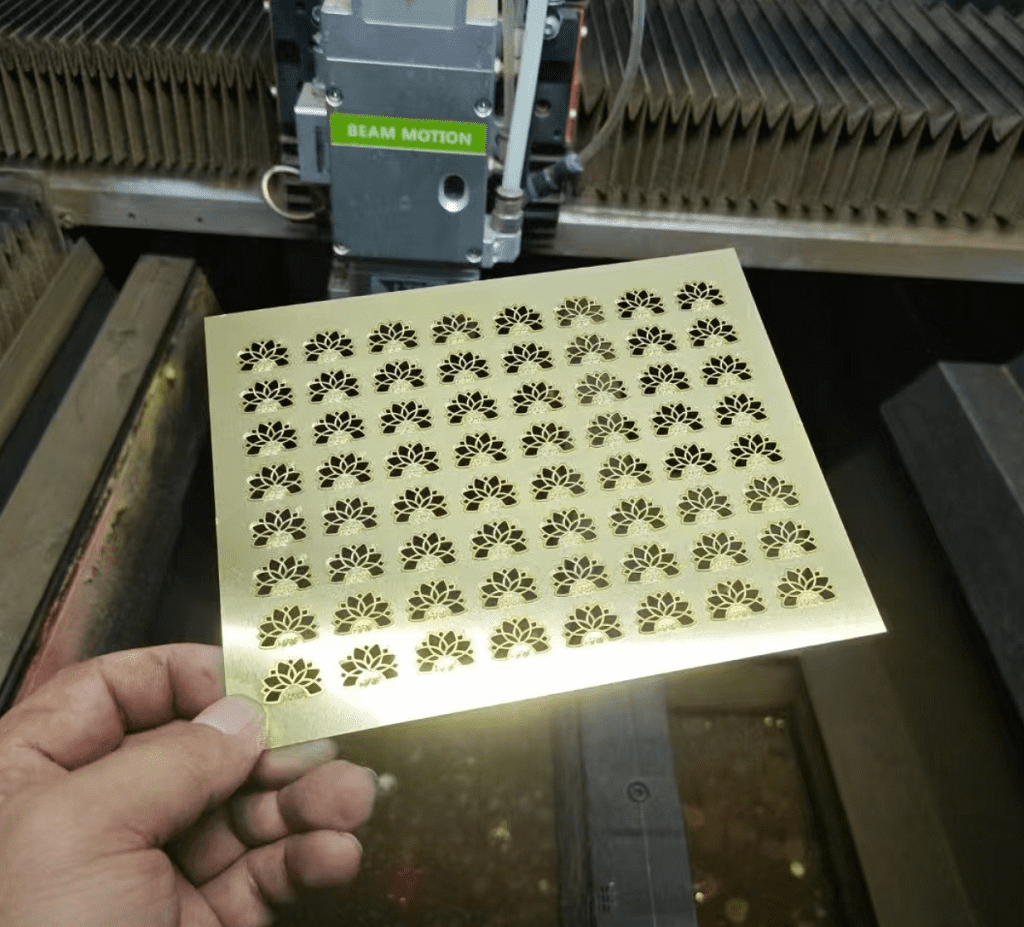
To really get it, we need to look closer at how these two technologies work. I always explain to my customers that it's like using a knife versus using a hot wire to cut through butter. Both get the job done, but the results are very different. CNC machining is the knife—precise, controlled, and leaving a distinct texture. Laser cutting is the hot wire—fast, melting its way through and leaving a smooth, sealed edge. The choice depends on the finish you want and the thickness of the material you’re working with.
How They Work
- CNC Machining: This is a contact sport. A computer-controlled cutting tool, like an end mill, spins at high speed and physically removes material chip by chip. Because it’s a mechanical process, it can create true 3D shapes, pockets, and chamfers.
- Laser Cutting: This is a non-contact process. A high-powered laser is focused into a tiny spot, generating intense heat that melts or vaporizes the acrylic in its path. It is excellent for cutting out complex 2D shapes with extreme precision.
Key Distinctions Table
| Feature | CNC Machining | Laser Cutting |
|---|---|---|
| Process | Mechanical (Contact) | Thermal (Non-Contact) |
| Edge Finish | Matte / Frosted | Flame-Polished (Clear) |
| Material Thickness | Excellent for thick materials | Best for thin to medium sheets |
| Best For | 3D shapes, pockets, engravings | Intricate 2D profiles, fine details |
What machine is best for cutting acrylic?
Are you trying to find the one "best" machine for all your acrylic cutting needs? The truth is, that machine doesn't exist. Picking one without knowing your project details can be a costly mistake.
For thick acrylic (over 12mm), 3D carving, or when a perfectly square, matte edge is needed, a CNC router is best. For thin or medium sheets requiring intricate designs and a clear, polished edge right away, a CO2 laser cutter is the ideal choice.
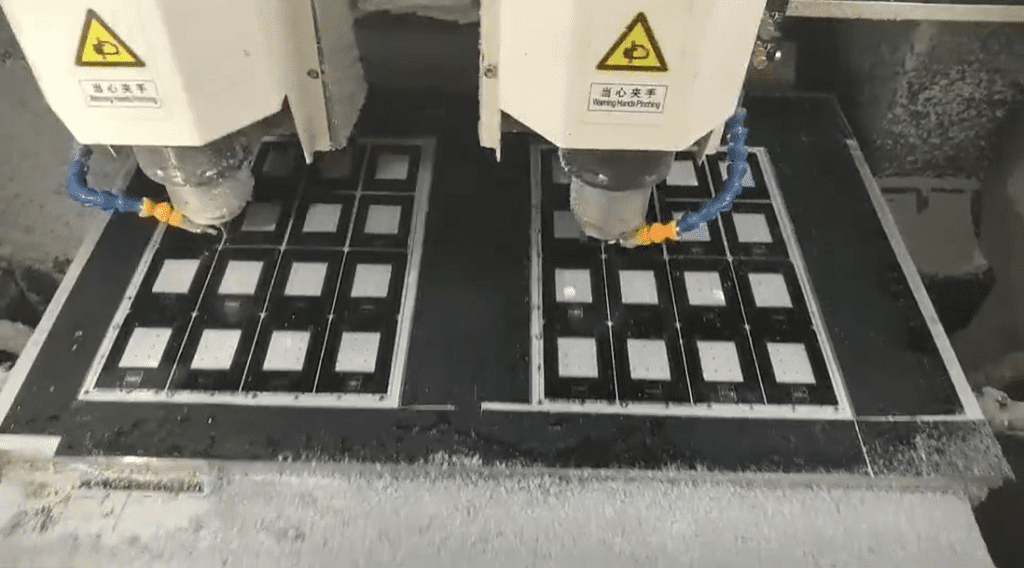
The "best" machine is the one that best matches your specific goals for quality, speed, and cost. When a customer sends me a drawing, the first things I look at are the part thickness and the notes about edge finish. These two factors usually point directly to the right machine for the job. If the part is a thick base for a retail display, I know a CNC router will give it the strength and clean edges needed. If it's a delicate logo with sharp internal corners, I immediately think of our laser cutter s.
When to Choose a CNC Router
A CNC router is your go-to machine for heavy-duty work. If your acrylic sheet is thicker than about half an inch (12mm), a router will give you a clean, vertical edge without the risk of melting or warping that a laser might cause. It's also the only choice if your design involves features that don't go all the way through the material, such as engraved channels, beveled edges, or countersunk holes. The finish is a smooth, frosted look, which is perfect for parts that will be glued or painted.
When to Choose a Laser Cutter
A laser cutter excels at speed and detail on thinner materials. For parts under half an inch thick, a laser can slice through acrylic quickly and create incredibly complex shapes and sharp internal corners that a spinning router bit could never achieve. The magic of the laser is the edge it leaves behind: a perfectly clear, flame-polished finish. This saves an entire step of manual polishing, which can save a lot of money on high-volume orders. It's ideal for signs, awards, and decorative panels.
Is laser cutting better than CNC?
It's easy to think one technology must be superior to the other. But asking if laser cutting is better than CNC is like asking if a screwdriver is better than a hammer.
Neither is "better" overall; they are simply better for different jobs. Laser cutting is better for speed, intricate 2D patterns, and achieving a polished edge on thin materials. CNC machining is better for thick materials, 3D shapes, and achieving a perfect, non-stressed mechanical edge.
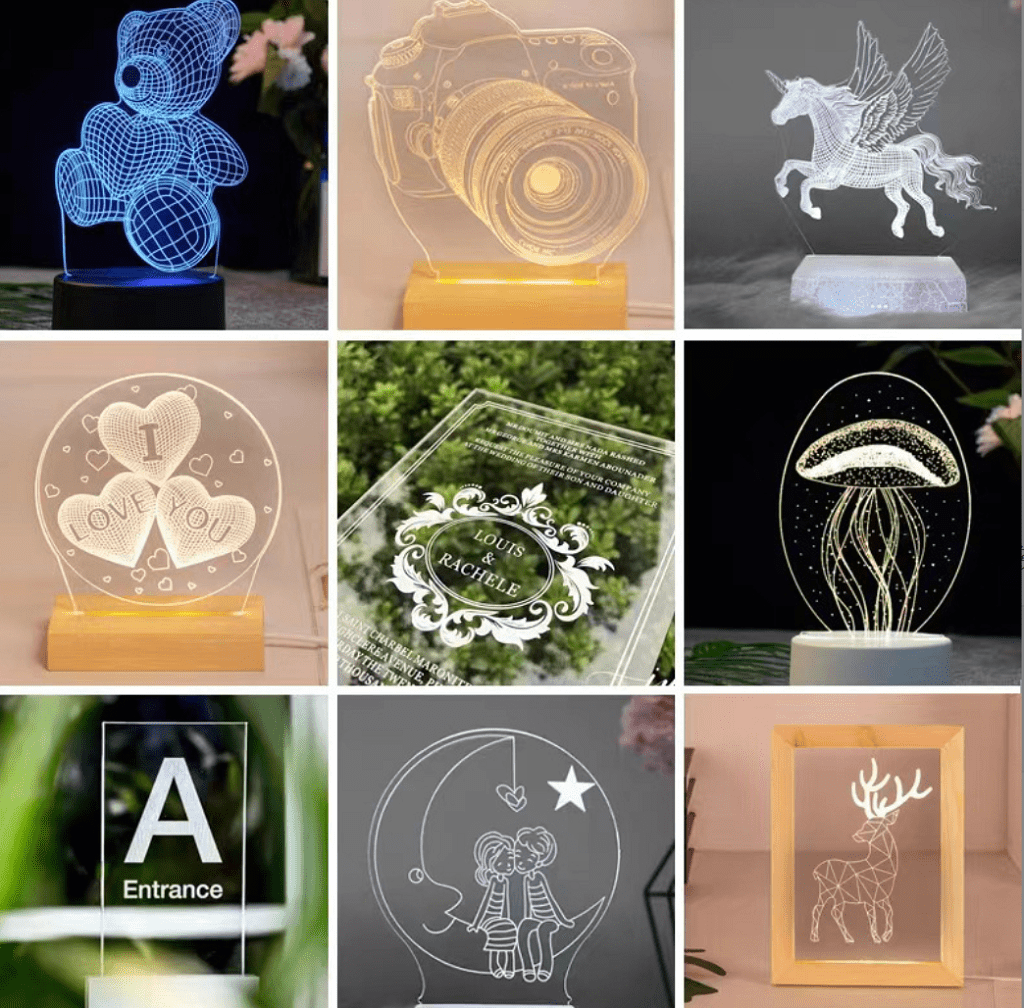
The right choice depends completely on your project's design and what you want the final part to do. One of my clients in Australia needed parts for a medical device. Some were thin, protective covers with complex cutouts, while others were thick, structural brackets. For the covers, we used laser cutting because it was fast and the polished edges looked great. For the brackets, we had to use CNC machining to hold the tight tolerances and ensure the material had no heat-induced stress. Using the right process for each part was key to the project's success.
Advantages of CNC Machining
- Thickness & Strength: CNC is the clear winner for thick acrylic. It doesn't introduce heat stress, ensuring the material's structural integrity is maintained.
- Dimensional Accuracy: For parts that require very tight tolerances, the mechanical precision of CNC machining is often more reliable, especially on thicker parts.
- 3D Capabilities: CNC can create complex 3D contours, pockets, and chamfers that are impossible with a standard 2D laser cutter.
Advantages of Laser Cutting
- Speed & Complexity: For intricate 2D designs, a laser is much faster than a CNC router. It can cut sharp inside corners and tiny details with ease.
- No Tool Wear: Since it's a non-contact process, there are no cutting tools to wear out or break, leading to consistent results over long production runs.
- Built-in Polishing: The laser beam melts the edge of the acrylic as it cuts, creating a clear, "flame-polished" finish that eliminates the need for a separate polishing step. This is a huge cost and time saver.
What is the main disadvantage of laser cutting?
Worried about the potential downsides of using a laser on your acrylic project? While laser cutting is a fantastic technology, it has limitations that can cause problems if you're not aware of them.
The main disadvantage of laser cutting acrylic is the heat it generates. This can cause internal stress in the material, making it more prone to cracking or crazing, especially around glued joints or holes. It also leaves a slightly angled edge on very thick materials.
Understanding Heat-Affected Zones (HAZ)
The laser melts the acrylic, and the area right next to the cut is called the Heat-Affected Zone (HAZ). In this zone, the material's properties are changed. This creates internal stress, which acts like a hidden weakness. The part looks perfect, but it can fail later when put under mechanical load or exposed to certain chemicals, like alcohol or some cleaning agents. For non-structural decorative parts, this is rarely an issue. But for functional components, it's a major risk.
Other Considerations
- Tapered Edges: On thicker acrylic (over 10mm), the focused laser beam can create a slight taper on the cut edge, meaning the top surface is slightly wider than the bottom. This can be a problem for parts that need to fit together perfectly.
- Toxic Fumes: Cutting acrylic with a laser produces toxic fumes that require proper ventilation and filtration systems, adding to the operational complexity and cost.
- Material Limitations: Laser cutting is not suitable for all types of plastics. For example, it cannot cut polycarbonate effectively, as it tends to discolor and melt poorly.
Conclusion
Choosing between CNC and laser cutting depends on your acrylic's thickness, your desired edge finish, and your design's complexity. Use this guide to pick the right process and ensure your project's success.