
How to determine if your part should be milled or 3D printed?
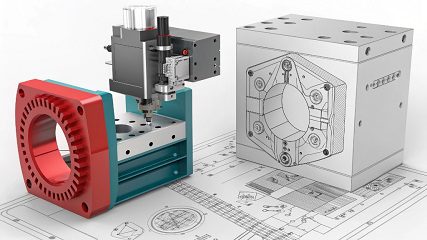
You have a great part design, but you are stuck. Should you use CNC milling or 3D printing? The wrong choice can cost time, money, and part quality. Let me help you decide.
3D printing is ideal for parts with complex internal geometries and sharp, right-angle corners. CNC milling is better for parts that can have rounded corners (fillets) and require high precision, strength, and a great surface finish from a solid material block.
Choosing between these two powerful manufacturing methods can feel overwhelming. They both create amazing parts, but in very different ways. It's not just about cost or speed; it's about getting the right part for your specific need. Let's break down the key factors to help you make the best choice every time.
When to 3D print vs machine?
You need a prototype fast, but you are also thinking about future production. Should you 3D print now and machine later? This indecision can delay your project. Knowing the right process for each stage helps.
Choose 3D printing for early-stage prototypes, complex designs, and low-volume orders where speed is critical. Choose CNC machining for functional prototypes, high-strength parts, tight tolerances, and scaling up to mass production. Machining offers better material properties and surface finish.
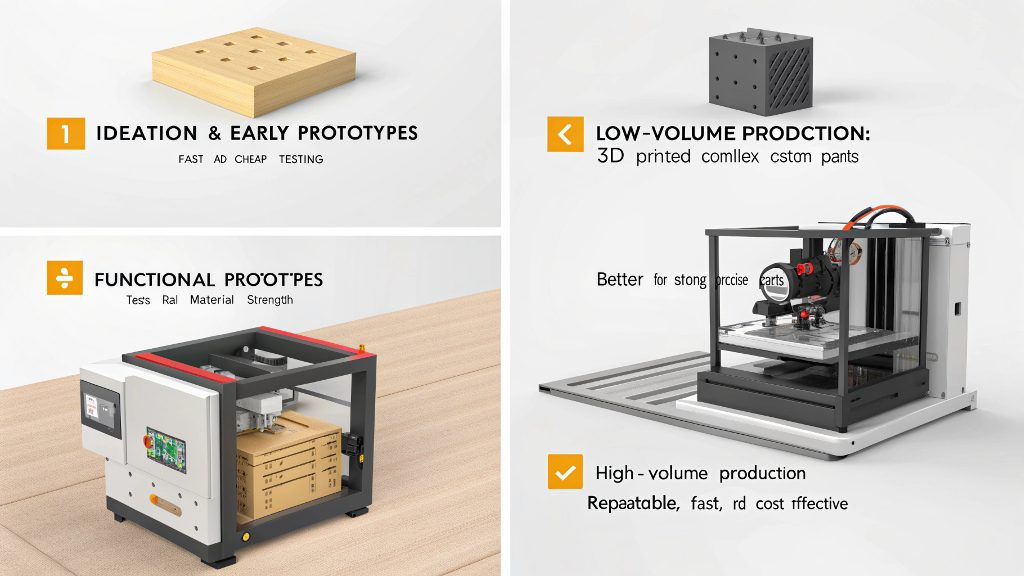
Our engineers explained this to our sales team just the other day. It was a great training session. The main takeaway was simple. For a "looks-like" model or a quick "form and fit" test, 3D printing is fantastic. You can have a part in your hands in hours. But when you need a "works-like" prototype that must endure real-world stress, CNC machining is the way to go. It carves your part from a solid block, giving you the true properties of the material. Think about your project's stage.
Project Stage
- Ideation & Early Prototypes: 3D printing is the winner. It's fast and cheap for testing concepts.
- Functional Prototypes: CNC machining is often better. It tests the part with real material strength.
- Low-Volume Production: This can go either way. 3D printing is good for complex, custom parts. CNC machining is better for strong, precise parts.
- High-Volume Production: CNC machining is the standard. It is repeatable, fast, and cost-effective at scale.
What is the difference between milling and 3D printing?
You hear the terms "additive" and "subtractive" manufacturing, but what do they really mean for your part? This confusion can lead to picking the wrong process. Understanding the core difference is key to success.
3D printing is an additive process; it builds a part layer by layer from nothing. CNC milling is a subtractive process; it starts with a solid block of material and carves away excess material with cutting tools to reveal the final part.
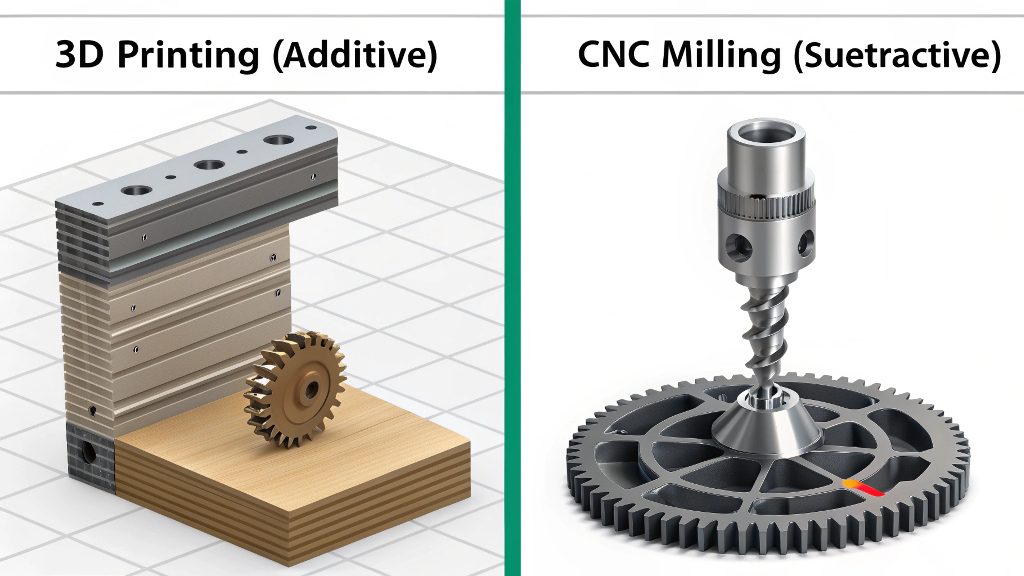
I received a file once from a client, Mark from Canada. His part had many sharp internal corners. Our engineer told me this was a classic 3D printing design. For CNC milling, we would need to leave a small radius in those corners because the round cutting tool cannot make a perfect 90-degree internal angle. This is the core difference. 3D printing builds up, so it can create any internal shape you can imagine. Milling cuts down, so it's limited by where the tool can reach. Both methods are incredibly precise, but they achieve their results from opposite directions. This simple fact changes everything about how you should design your part for manufacturing.
Core Process Comparison
| Feature | 3D Printing (Additive) | CNC Milling (Subtractive) |
|---|---|---|
| Process | Adds material layer by layer | Removes material from a solid block |
| Strengths | Complex internal geometries, sharp corners | High strength, tight tolerances, superior finish |
| Weaknesses | Layer lines, weaker Z-axis strength | Geometric limits (e.g., internal corners) |
| Best For | Complex Prototypes, Custom Jigs | Functional Parts, Production Runs |
What is the 5mm rule in 3D printing?
You designed a part for 3D printing with thin walls, but it failed during the build. This can be frustrating and wastes material and time. The "5mm rule" could have prevented this costly problem.
The "5mm rule" is a design guideline suggesting that walls and features on a 3D printed part should be at least 5mm thick. This ensures the part is strong enough to support itself during printing and can withstand handling and use afterward without breaking.
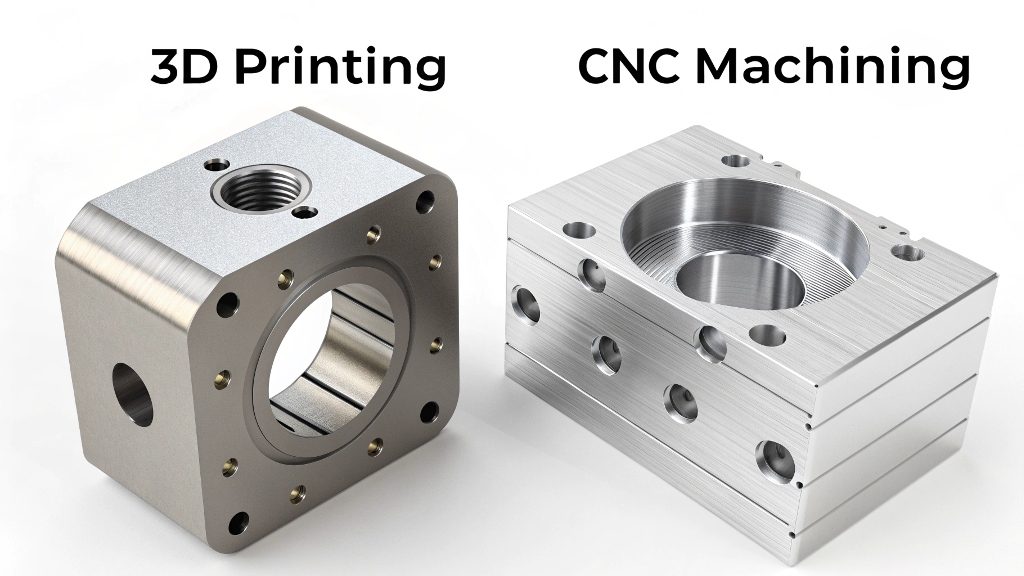
While this is a general guideline for 3D printing, it highlights a key difference with machining. In CNC machining, we often aim to make parts as light as possible by making non-critical walls thinner. We can easily machine a 1mm or 2mm wall in aluminum with high precision and strength. In 3D printing, a wall that thin would be very fragile. The strength of a 3D printed part comes from the adhesion between layers. Thin features have fewer layers and less cross-sectional area, making them weak points. So, when designing for 3D printing, you have to think "thicker." You add material for strength. When designing for CNC milling, you often think "thinner." You remove material to save weight and cost. It's a completely different mindset.
What factors should we consider when deciding how to orient our part for 3D printing?
Your 3D printed part looks great, but it snaps easily when you put it under stress. You might have printed it in the wrong orientation. Picking the right orientation is critical for part performance.
Key factors for part orientation are strength, support structures, and surface finish. Orient the part so that critical stresses are applied along the printed layers (X-Y plane), not between them (Z-axis). This minimizes the need for support material, which improves surface quality.


This is a problem we almost never face in CNC machining. A part machined from a solid block of aluminum is strong in all directions. But for 3D printing, it's a major concern. Think of a printed part like a deck of cards. It's very strong if you press on the top or bottom, but it's easy to split the deck from the side. The layers in a 3D printed part behave the same way. The bond between layers is always the weakest point. So, if you are printing a lever that will be pulled on, you should print it lying flat. This ensures the pulling force runs along the strong layers, not across the weak layer-to-layer bonds. This simple decision can be the difference between a part that works and one that fails immediately.
Key Orientation Considerations
| Factor | Description |
|---|---|
| Strength (Anisotropy) | The Z-axis (build direction) is the weakest. Orient the part so forces are applied along the X-Y plane (the layers themselves). |
| Support Structures | Minimize overhangs and bridges to reduce the need for support material. Less support means a cleaner surface and less post-processing. |
| Surface Finish | Surfaces parallel to the build plate will be smoother. Curved surfaces can show "stair-stepping," which can be minimized with a different orientation. |
| Print Time | Taller parts (oriented along the Z-axis) generally take longer to print than parts that are oriented to be shorter. |
Conclusion
Choosing between milling and 3D printing depends on your specific needs. Use 3D printing for speed and complex shapes. Use milling for strength, precision, and a superior finish.